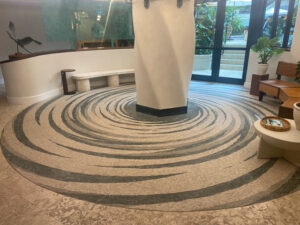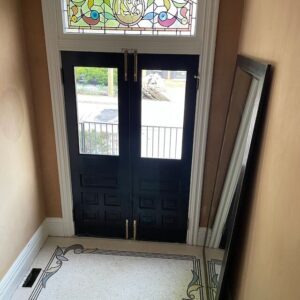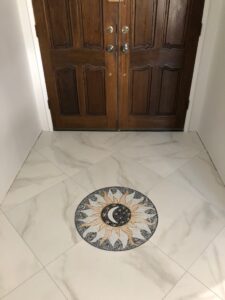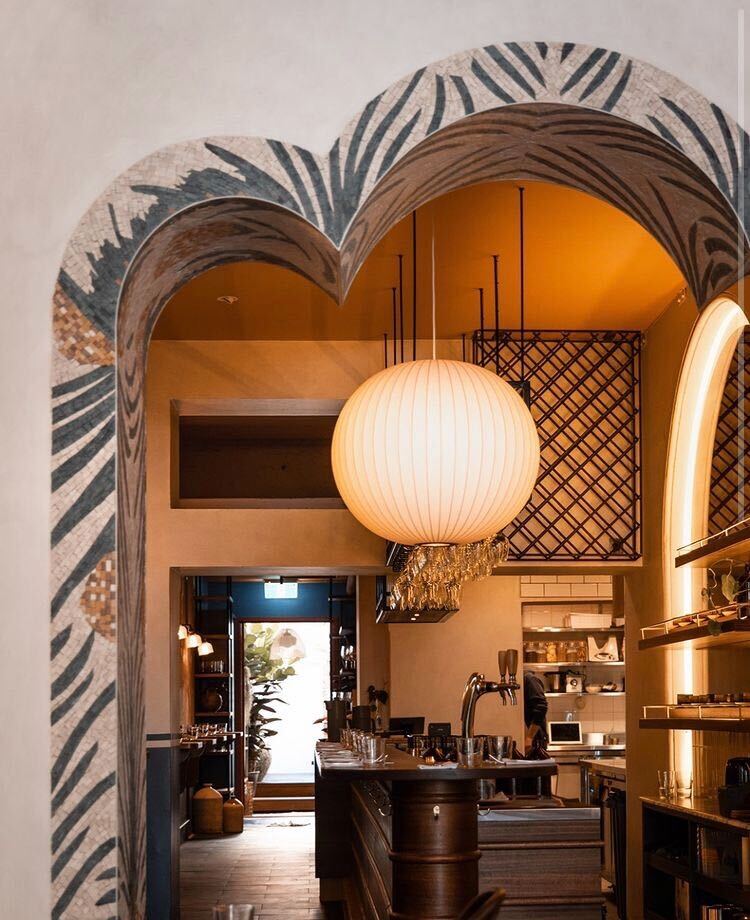
The hardest part of commissioning a mosaic has never been the craftsmanship. It is imagination. A sample tile in your hand tells you very little about how a two-metre panel will feel on your wall, under your lighting, next to your furniture. For most of the history of our workshop, the answer was a sketch, a colour board and a leap of faith. That has changed.
Why visualizing a mosaic is hard
A mosaic is made of thousands of small surfaces, each catching light at a slightly different angle. Colours shift between morning and evening. Scale is easy to misjudge: a design that looks bold on a screen can disappear on a large wall, and a delicate piece can overwhelm a small room. These are the questions we hear most from clients before they commit: Will it be too big? Will the colours clash with my floor? Will it look right from the sofa?
Three ways to see it before it is made
Our sister brand Mozaico has brought together a set of tools for exactly this, in the Mozaico Design Studio:
- AI Designer. Describe an idea in a few words, and it generates a mosaic concept you can refine, resize and price. It is a fast way to explore directions before speaking to a designer.
- AI Visualizer. Upload a photo of your room and the visualizer places a mosaic into it, in perspective, with size recommendations. This is the quickest way to answer the “will it be too big?” question.
- AR app. Using your phone, the augmented reality app projects a life-size mosaic onto your actual wall or floor in real time, so you can walk around it and see it from where you will really stand.
How to take a photo the tools can use
The visualizer is only as good as the photo you give it. A few simple habits make a big difference:
- Stand straight on. Photograph the wall or floor as square to the camera as you can. Strong angles make it harder to judge size.
- Use daylight. Open the curtains and turn off coloured lamps. Warm artificial light shifts every colour towards yellow.
- Show the surroundings. Include the furniture, doors and fittings that will sit next to the mosaic. They are what you are really matching.
- Add a reference. A tape measure or a sheet of A4 paper taped to the wall helps you and our designers read the scale.
Common mistakes when picturing a mosaic
Most surprises come from the same few misjudgements. The first is scale: people tend to choose a size that looks right on a phone screen, which is often too small once it is on a real wall. The second is distance: a detailed design that reads beautifully at arm’s length can turn into texture from across the room, while a bold design can feel heavy in a small bathroom. The third is colour in context: a shade that looks perfect on its own can clash with a floor, a cabinet or a painted wall right next to it. Testing the design in your own room, at full size, is the best way to catch all three before anything is made.
Where the workshop comes in
None of these tools replace the people who cut the stone. A generated concept is a starting point. Before anything is made, our designers turn it into a master sketch: adjusting proportions, simplifying lines so they can be built in stone and glass, and choosing real materials whose colours match what you approved on screen. The master sketch is free, and you can refine it as many times as you need before production begins.
Matching the design to the room
Seeing the mosaic in place is also the moment to think about how it relates to everything around it. Look at the colours already in the room, such as the floor, the cabinets, the textiles and the paint, and pick one or two of them to echo in the mosaic. A design that repeats a colour from a cushion or a tile ties the room together; one that introduces a completely new palette becomes a deliberate statement. Both can work, but it should be a choice, not an accident.
Scale and style matter too. A large, simple design suits a modern room with clean lines, while intricate classical designs sit naturally in traditional interiors with mouldings and patterned fabrics. When in doubt, try two or three versions in the visualizer side by side. The right one is usually obvious within a few seconds of seeing them in your own space.
A simple process that works
- Measure the space and take a straight-on photo in good daylight.
- Explore styles with the AI Designer or by browsing existing designs.
- Test the size in your photo with the visualizer, then at full scale with the AR app.
- Ask for a master sketch and review real material samples where colour matters.
- Approve and relax. The rest happens in the workshop.
Technology narrows the gap between imagining a mosaic and seeing it. The hand work is still what makes it last.